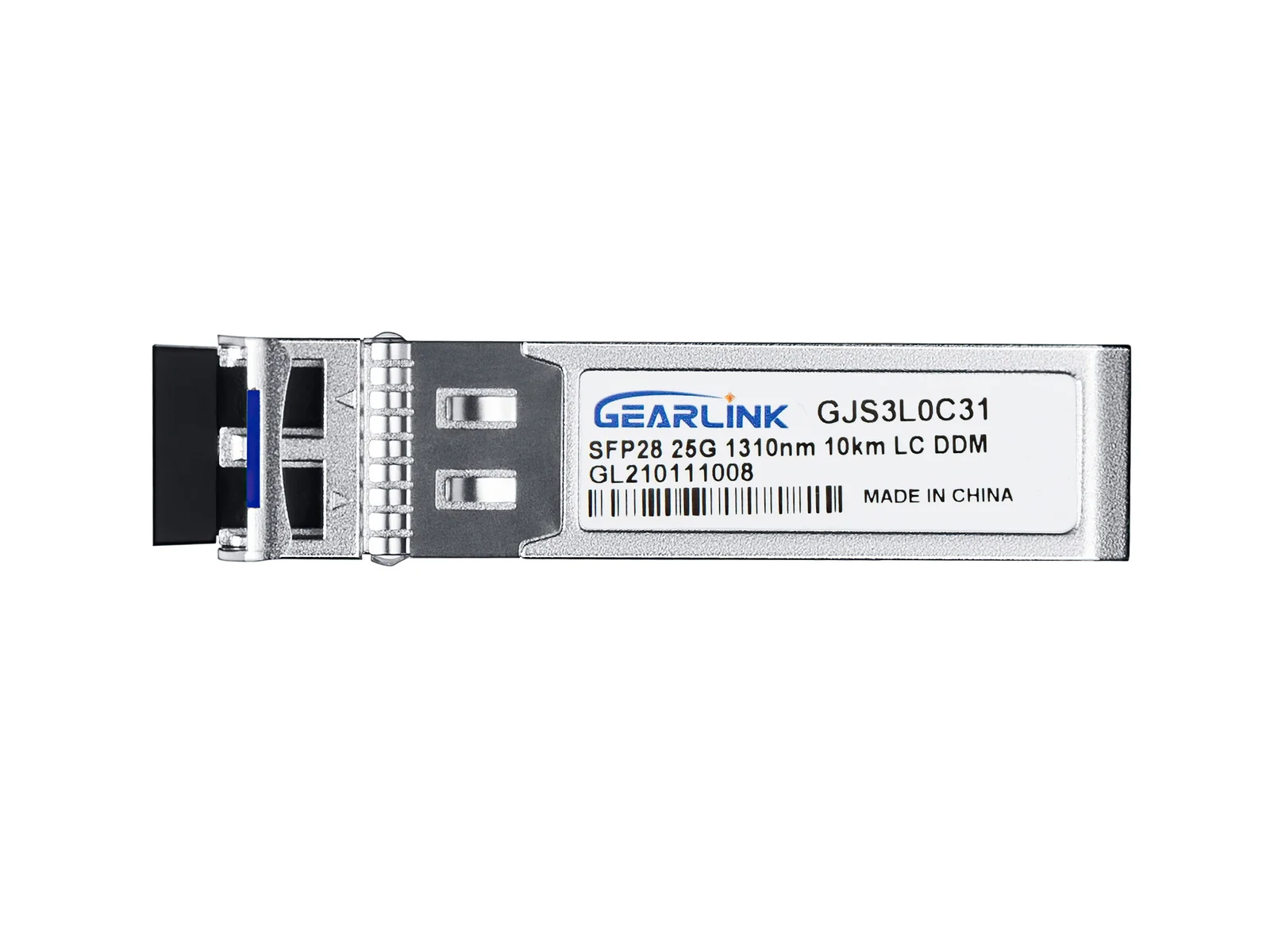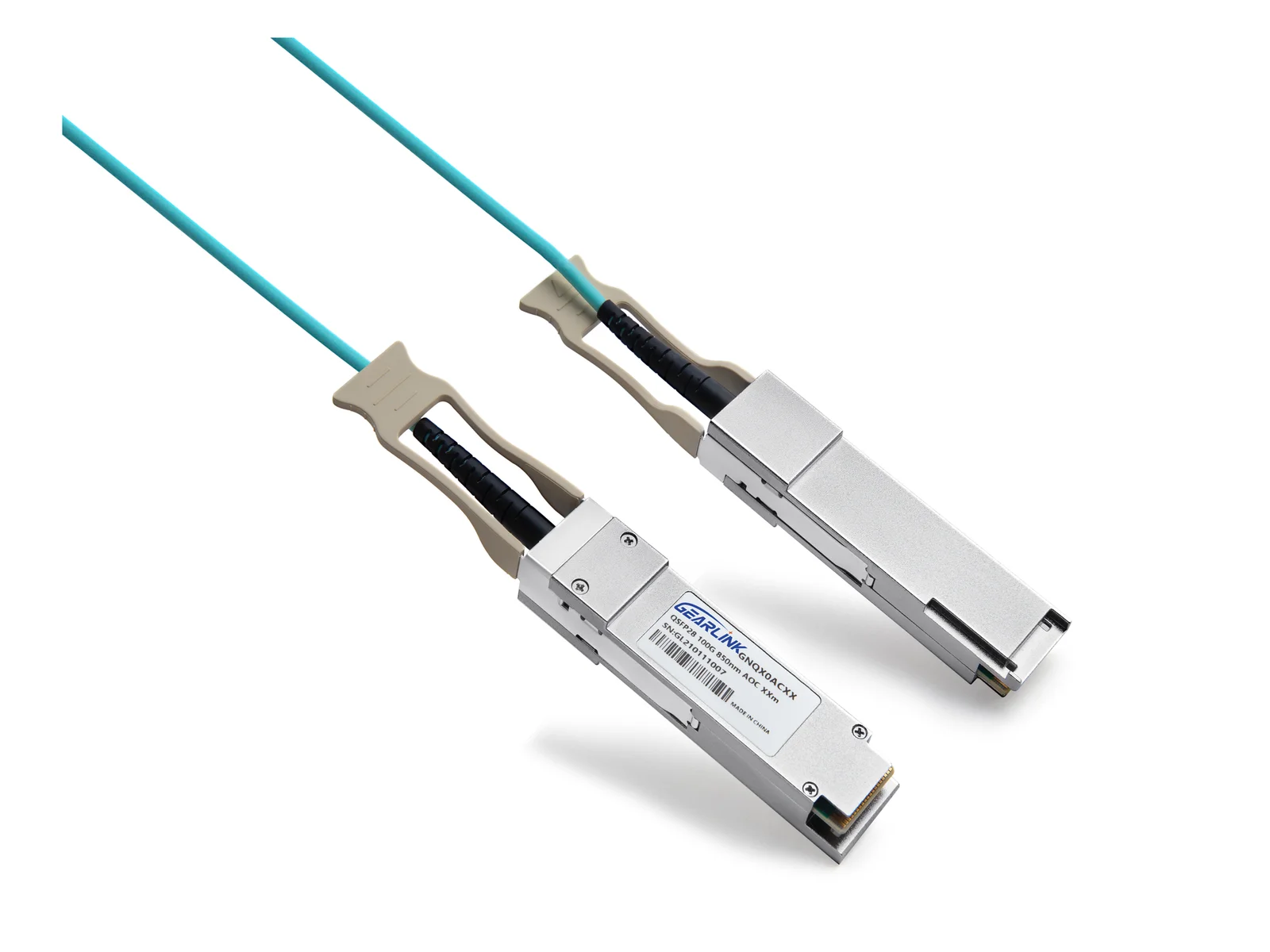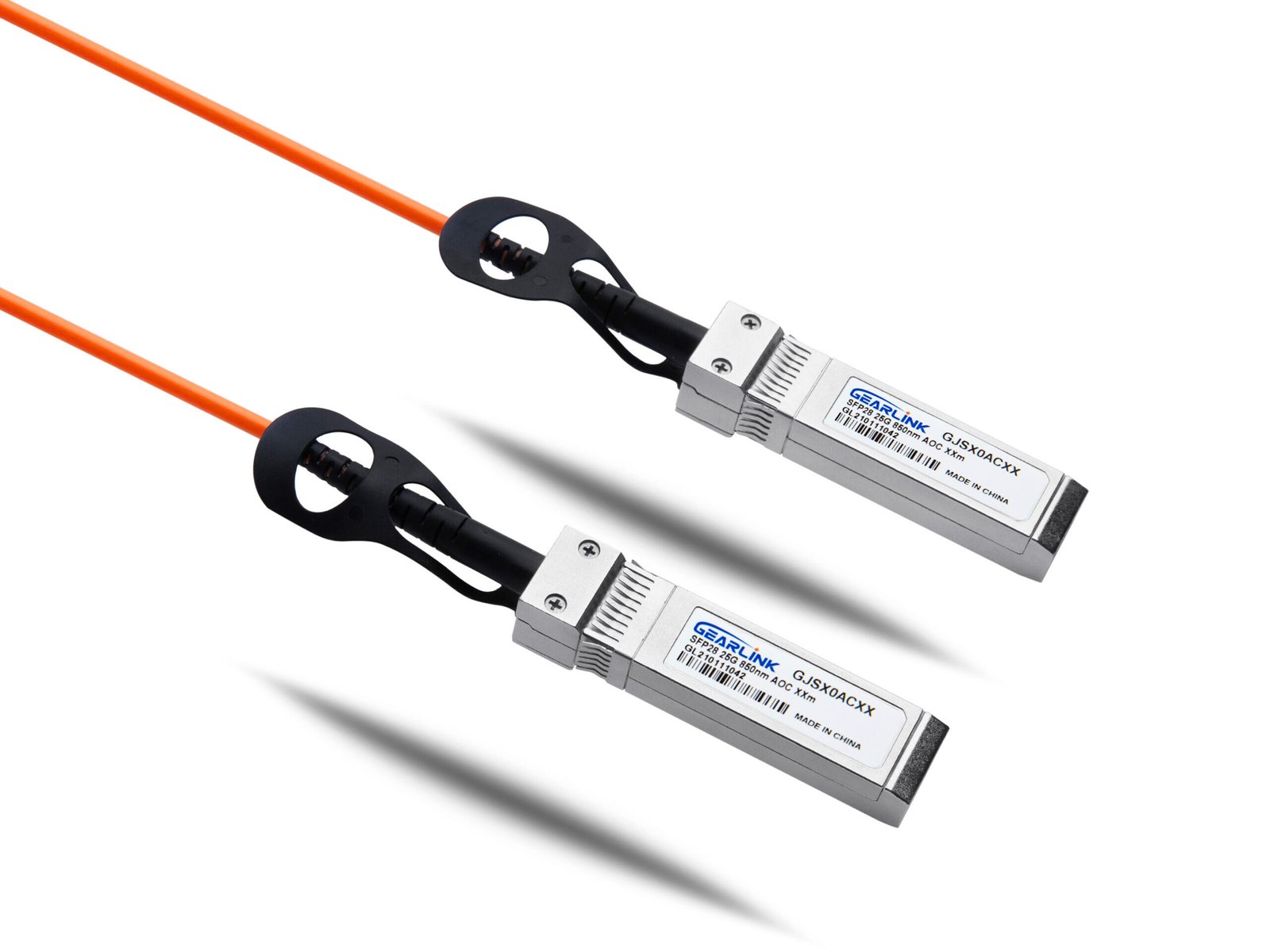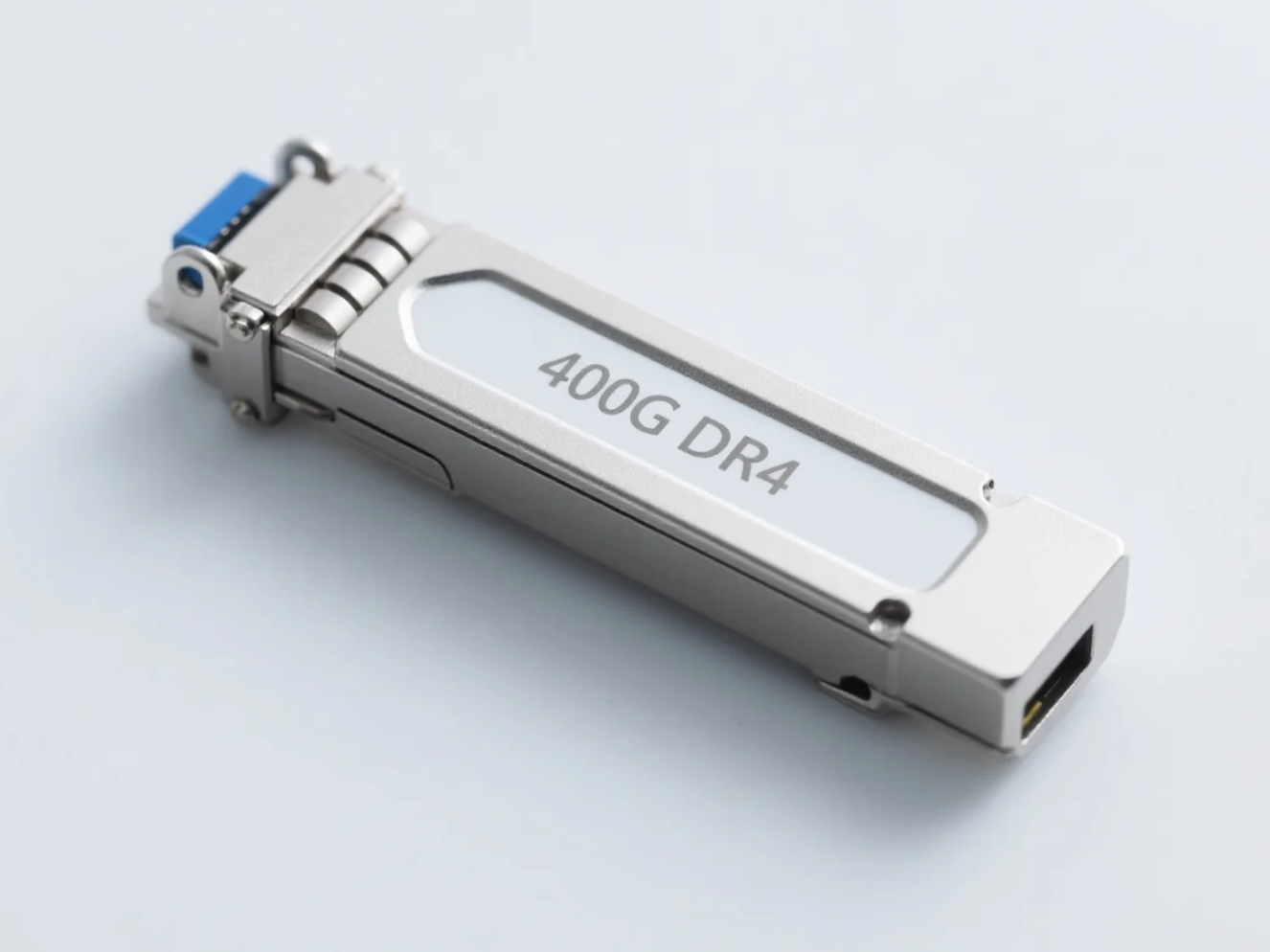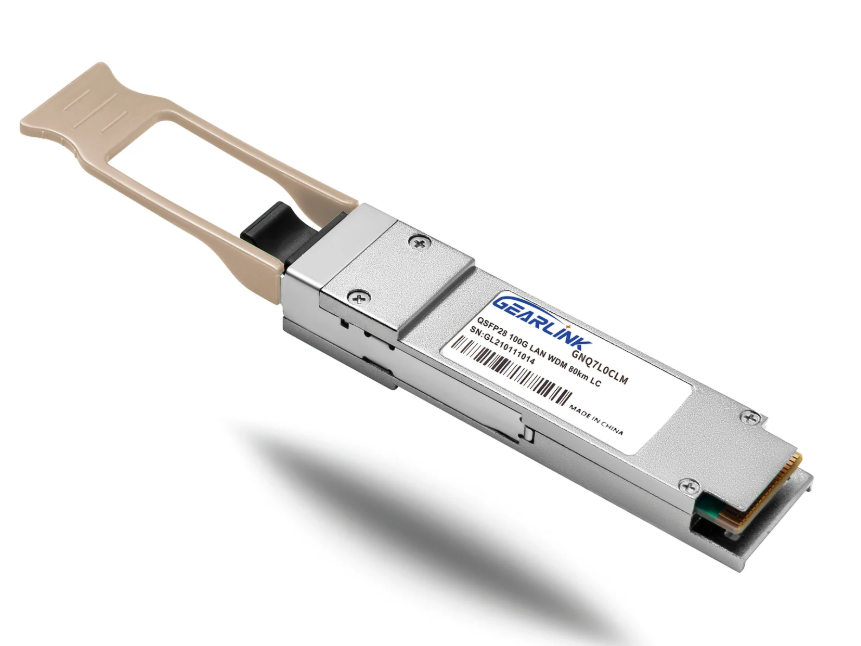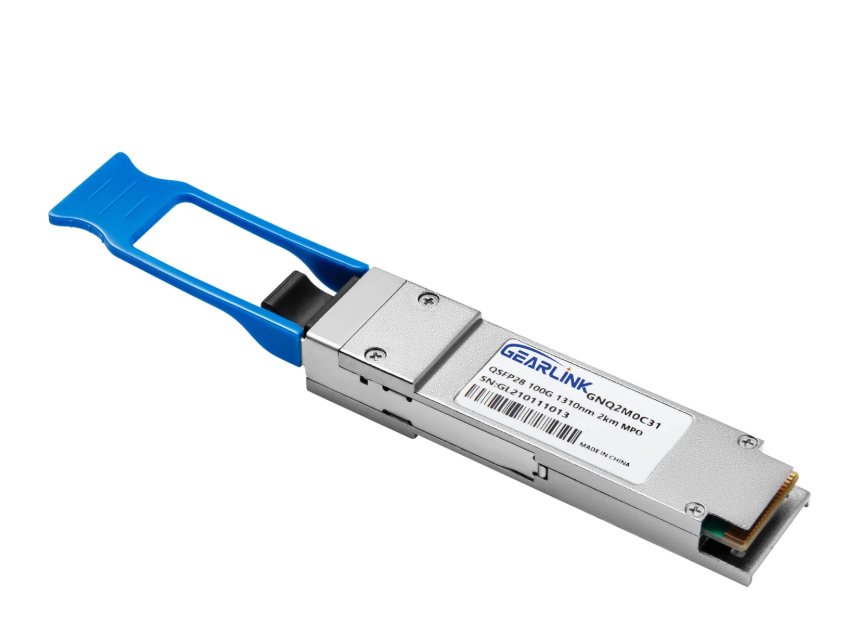
Network upgrades are notoriously expensive and operationally complex. As a network architect who has overseen multiple data center migrations, I know the pressure to increase bandwidth without destroying the budget is intense. The 100gb qsfp28 standard has become the dominant solution for high-speed data center interconnects because it offers the ideal balance of port density and power efficiency. However, selecting between different interface types like SR4 or PSM4 requires a careful technical evaluation. This guide examines the critical specifications you need to know before procuring these optical transceivers.
The Evolution and Architecture of the QSFP28 Standard
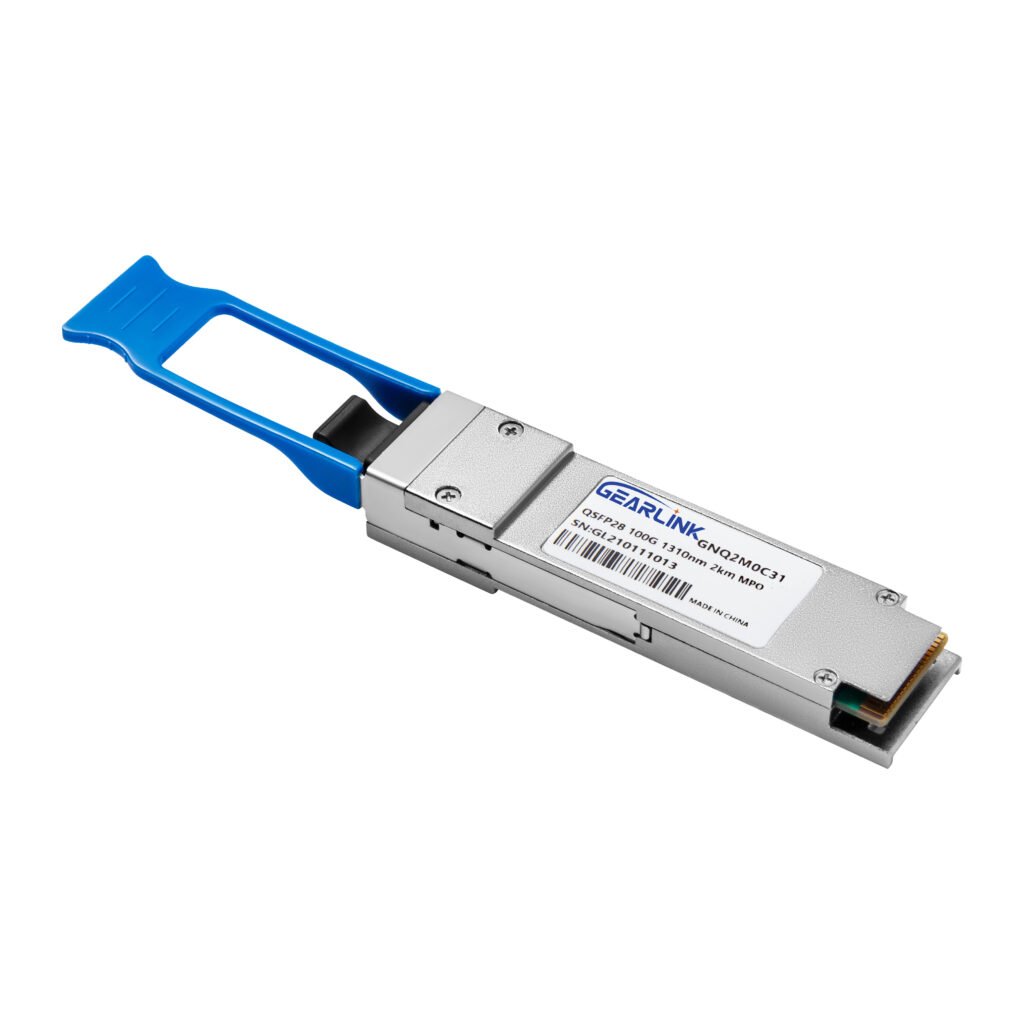
The QSFP28 (Quad Small Form-factor Pluggable 28) effectively replaced the bulky and power-hungry CFP modules that characterized early 100G deployments. It complies strictly with the QSFP MSA (Multi-Source Agreement) group specifications, ensuring interoperability across vendors.
Unlike older 10G or 40G standards, the QSFP28 architecture utilizes four individual lanes of 25Gbps signal transmission. This architecture aligns perfectly with global Ethernet standards like IEEE 802.3bm. For B2B buyers, this means backward compatibility and future-proofing are much easier to manage. You get higher density on your switch faceplate compared to older form factors, allowing for up to 32 or even 64 ports in a 1RU switch. The electrical interface supports 4x25G lanes, which allows for versatile configuration, such as breaking out a single 100G port into four 25G server connections. Consequently, this modularity significantly reduces the total cost of ownership (TCO) for modern data centers.
Comparing 100GB QSFP28 SR4 and PSM4
Choosing between 100gb qsfp28 sr4 and 100gb qsfp28 psm4 is not just about the module price; it depends entirely on your existing cabling infrastructure and distance requirements. These two variants address different network architecture needs.
100GB QSFP28 SR4 (Short Reach)
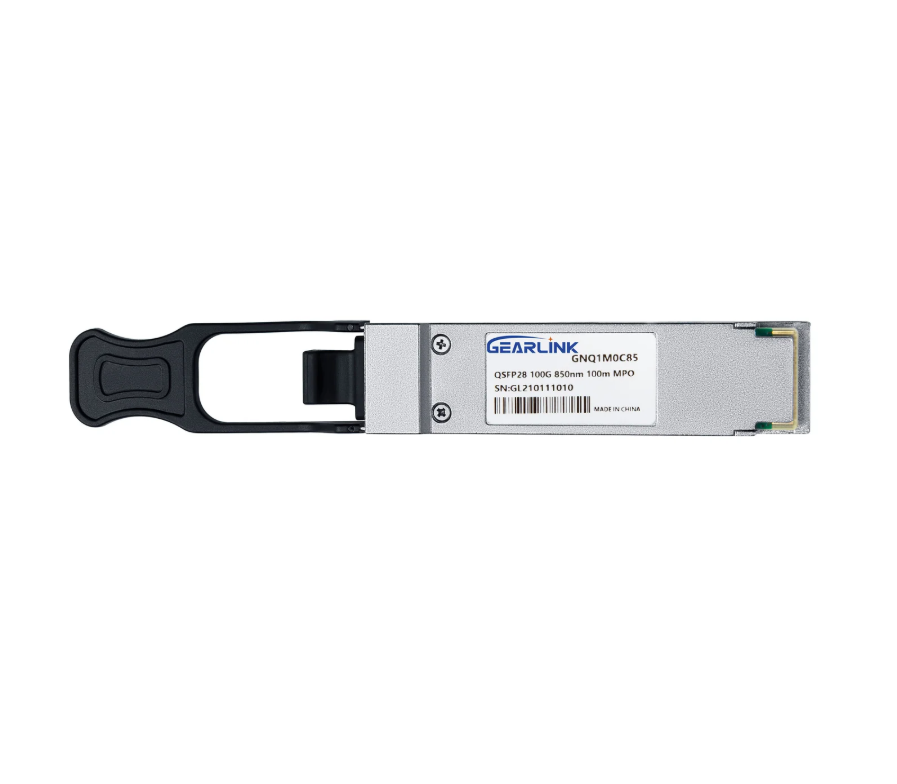
The SR4 module operates at a wavelength of 850nm over multimode fiber (OM3/OM4). It utilizes an MPO-12 connector to transmit data across 8 fibers (4 transmit, 4 receive).
- Distance: It typically reaches up to 70 meters on OM3 and 100 meters on OM4 fiber.
- Use Case: This is the industry standard for connecting switches within the same rack or adjacent rows (ToR to Leaf).
- Cost Dynamics: The transceiver itself is generally cheaper. However, multimode cabling (MTP/MPO) can become expensive over long runs due to the amount of glass required.
100GB QSFP28 PSM4 (Parallel Single Mode)
PSM4 uses single-mode fiber (1310nm) with an MPO-12 connector. It was specifically developed to fill the gap between short-reach (SR4) and long-reach (LR4) optics, offering a cost-effective solution for mid-range runs.
- Distance: It supports distances up to 500 meters, which is significantly longer than SR4.
- Use Case: It suits mid-range campus connections or large hyperscale data center halls where SR4 cannot reach.
- Cost Dynamics: Single-mode cable is cheaper per meter than multimode. While 100gb qsfp28 psm4 optics are slightly more expensive than SR4, the total link cost (optics + cable) is often lower for runs exceeding 100 meters.
The Role of Forward Error Correction (FEC)
One critical aspect often overlooked during procurement is Forward Error Correction (FEC). At 100G speeds, signal degradation happens much faster than at 10G. FEC is a digital signal processing technique used to enhance data reliability.
For most 100gb qsfp28 implementations, specifically SR4 and PSM4, turning on RS-FEC (Reed-Solomon Forward Error Correction) is mandatory to achieve the specified bit error rate (BER). Without FEC, you may experience packet loss or link flapping. However, enabling FEC introduces a slight latency. As a buyer, you must ensure your switches and the transceivers fully support the specific FEC modes required by your network architecture.
Power Consumption and Thermal Management
Data center operating costs are heavily influenced by power usage. A standard 100gb qsfp28 module typically consumes less than 3.5 Watts. This is a massive improvement over older CFP2 (6-8W) or CFP4 modules.
Lower power consumption translates directly to reduced cooling requirements in your server room. Always verify the operating temperature range, usually 0°C to 70°C for commercial grade. Efficient heat dissipation ensures signal integrity and prolongs hardware lifespan. High-density deployments require modules that strictly adhere to these thermal limits to prevent “heat crosstalk” between adjacent ports.
Ensuring Compatibility with Major Switch Brands
Proprietary coding is a major hurdle in procurement. Switch manufacturers like Cisco, Juniper, or Arista often require coded EEPROMs to recognize optics. Using generic optics in a strictly coded switch can cause port disablement or persistent error logs.
However, the MSA standard ensures the physical hardware dimensions and electrical interfaces are identical regardless of the brand. Third-party solutions effectively replicate this coding to ensure seamless handshake protocols. This allows you to bypass high OEM markups without sacrificing performance. It is vital to confirm that your supplier guarantees specific firmware compatibility and offers recoding services if you change switch platforms.
Evaluating Vendor Reliability for Optical Transceivers
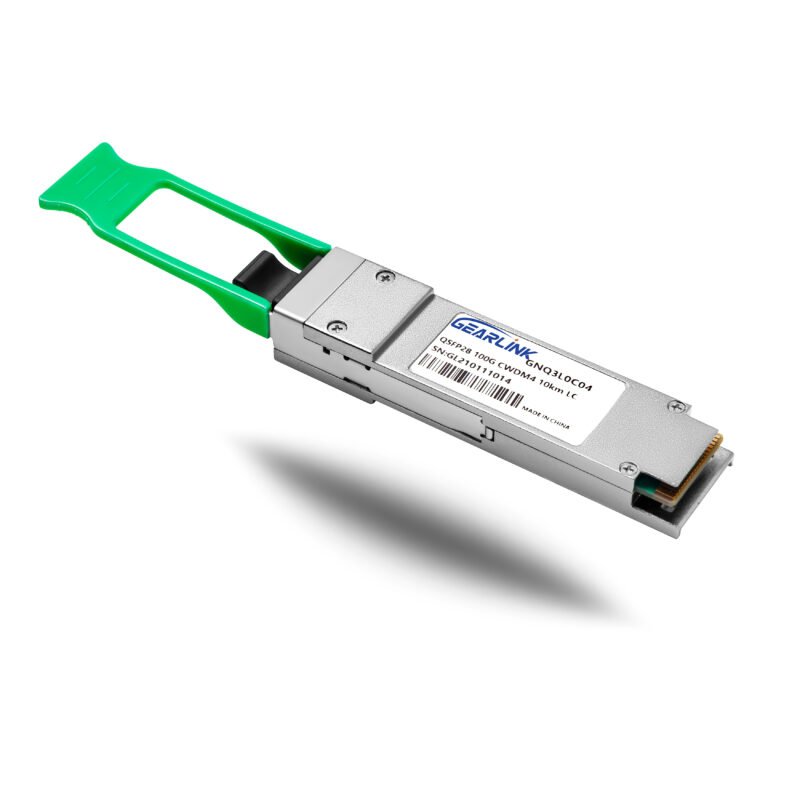
100GBASE-CWDM4 QSFP28 1310nm 2km DOM Duplex LC/UPC SMF Optical Transceiver Module
NT$99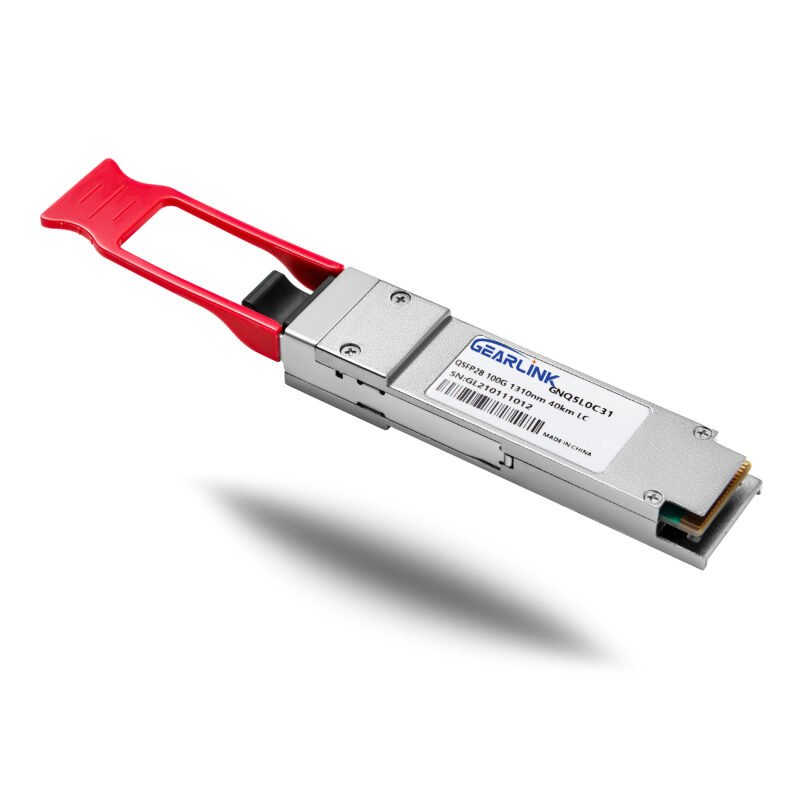
100GBASE-ER4 QSFP28 1310nm 40km DOM Duplex LC/UPC SMF Optical Transceiver Module
NT$800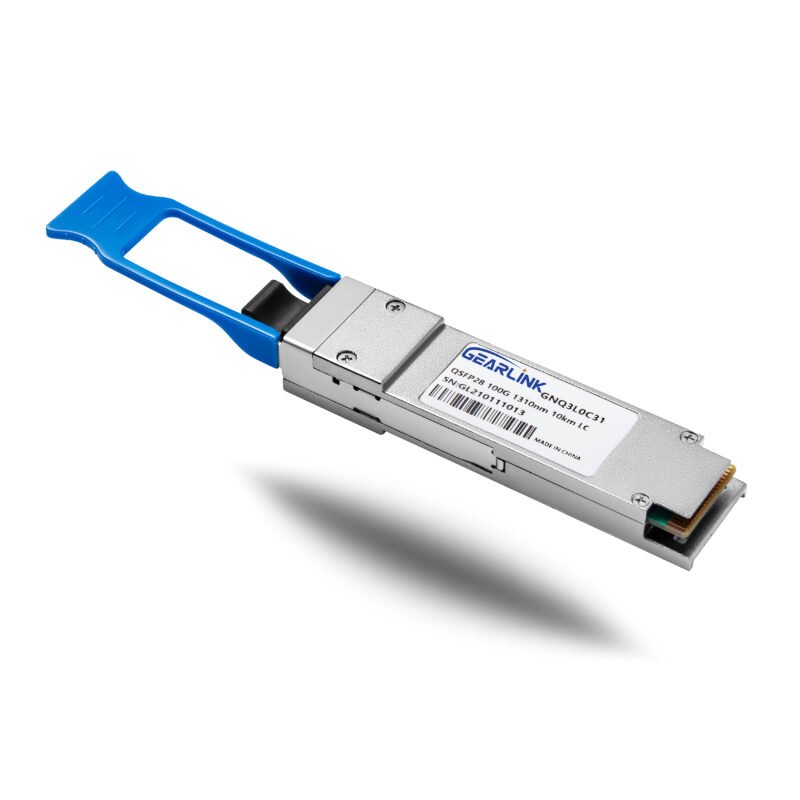
100GBASE-LR4 QSFP28 1310nm 10km DOM Duplex LC/UPC SMF Optical Transceiver Module
NT$179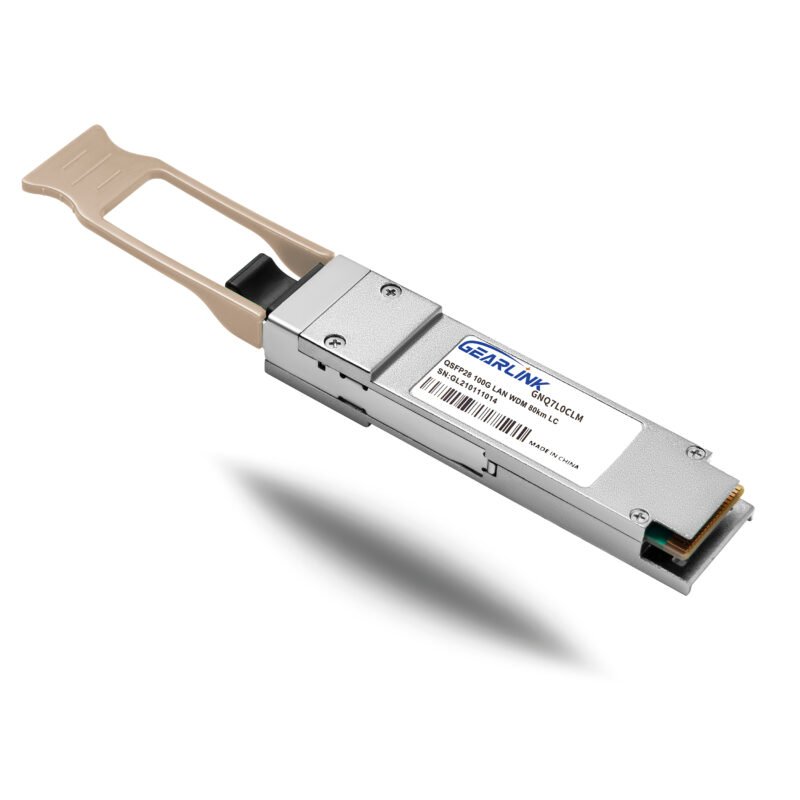
100GBASE-ZR4 QSFP28 1310nm 80km DOM Duplex LC/UPC SMF Optical Transceiver Module
NT$1,500
When sourcing optics, the testing methodology matters more than the price tag. You must ensure the modules have undergone traffic testing on real equipment, not just simple loopback tests. Look for suppliers who offer comprehensive warranty support and precise coding verification.
A reliable vendor provides transparency regarding the chipset and laser components used (e.g., Broadcom or Macom chips). If you are upgrading your current infrastructure, check compatibility lists carefully. You should prioritize vendors who understand the specific coding requirements of your switch environment. For specific configuration needs and reliable inventory, you can explore the 100gb qsfp28 options available here. This ensures your network maintains the 99.999% uptime requirements that enterprise clients demand.
Summary
Selecting the right 100gb qsfp28 module requires balancing distance needs, fiber types, and total link costs. Whether you choose 100gb qsfp28 sr4 for rack connectivity or 100gb qsfp28 psm4 for longer runs, prioritize MSA compliance and power efficiency. Making informed technical choices now secures your network’s future stability.
FAQ
Q1: What is the main difference between QSFP28 SR4 and LR4?
SR4 uses multimode fiber for short distances (up to 100m) with an MPO connector, while LR4 uses single-mode fiber for long distances (up to 10km) using an LC duplex connector.
Q2: Can I use a 100G QSFP28 port for a 4x25G breakout configuration?
Yes, most 100gb qsfp28 ports can be configured in the switch CLI to support four independent 25G links using an MPO-to-LC breakout cable, which is common for connecting servers.
Q3: Is 100GB QSFP28 PSM4 compatible with SR4 modules?
No, Q3 is a common point of confusion; they use different fiber types (single-mode vs. multimode) and different transmission wavelengths (1310nm vs. 850nm), so they cannot connect directly.
Q4: Do QSFP28 modules support backward compatibility with QSFP+?
Physically yes, as the form factor is the same, but the port speed must be manually configured to 40G on the switch, and you must use 40G QSFP+ optics, not 100G optics running at lower speeds.
Reference Sources
IEEE (Institute of Electrical and Electronics Engineers) – IEEE 802.3bm Standard
https://www.ieee.org/
QSFP-DD MSA Group – QSFP Public Specification
http://www.qsfp-dd.com/
Cisco Systems – Cisco 100GBASE QSFP Modules Data Sheet
https://www.cisco.com/